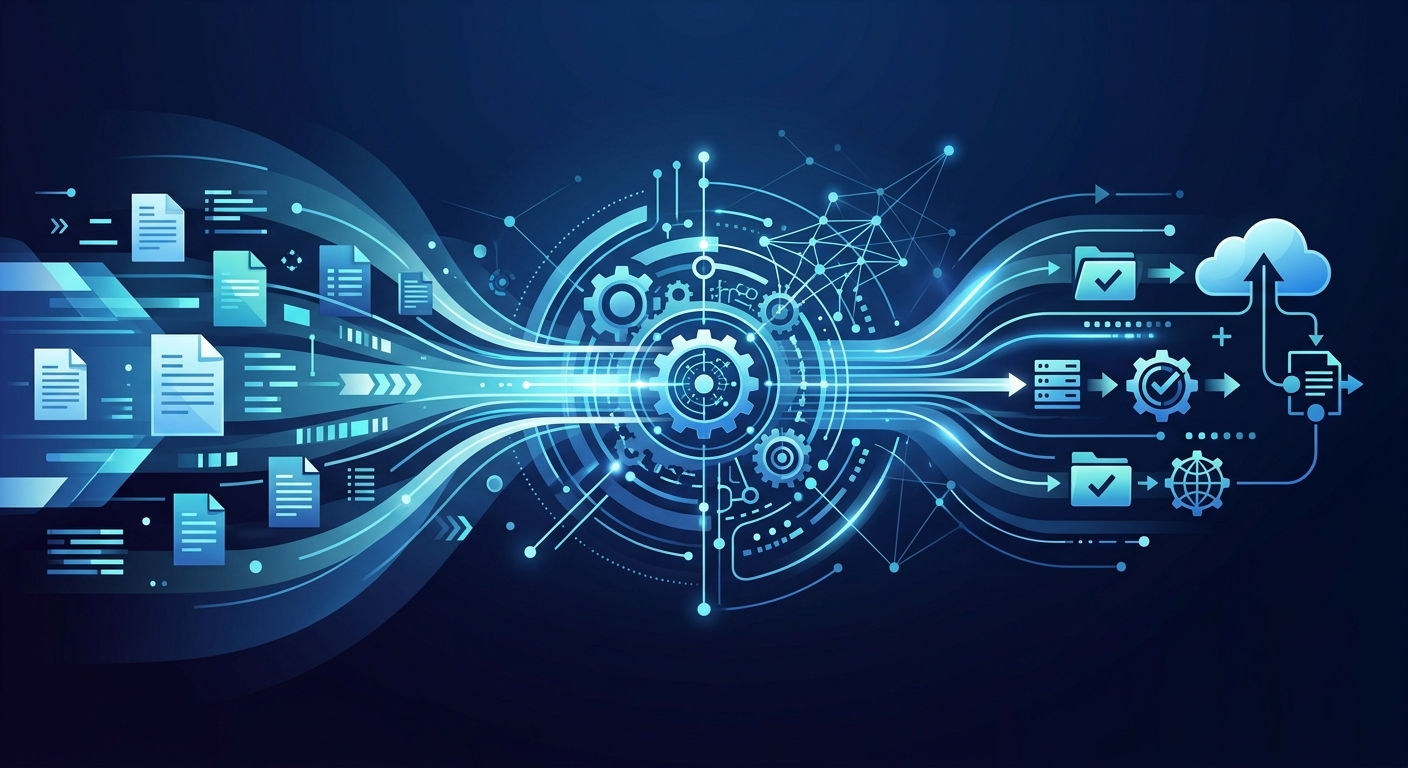
Intelligent document processing automation (IDP) is an advanced technology solution that transforms unstructured and semi-structured data into machine-readable, actionable information. Unlike traditional automation, IDP uses a sophisticated stack of Artificial Intelligence (AI), Machine Learning (ML), and Natural Language Processing (NLP) to understand the context, layout, and intent of a document rather than just reading characters. For the modern enterprise, where Gartner reports that 80% of data is unstructured, IDP serves as the critical bridge between physical or digital paperwork and automated downstream systems.
Key Takeaways
- Definition: Intelligent document processing automation (IDP) is the use of AI and ML to extract, classify, and validate data from unstructured documents.
- Performance: Organizations can achieve up to a 90% reduction in processing time compared to manual abstraction.
- Technology: IDP surpasses legacy OCR by utilizing NLP to understand context, handwriting, and complex layouts.
- Governance: Successful deployment requires a Human-in-the-Loop (HITL) framework to manage low-confidence scores and ensure accuracy.
How Does Intelligent Document Processing Work?
Intelligent document processing automation operates through a multi-stage pipeline designed to replicate human cognitive abilities. The process begins with Ingestion, where documents are collected from various sources such as email attachments, scanners, or cloud storage.
Once ingested, the system performs Pre-processing. This involves cleaning the digital image by de-skewing, removing noise, and adjusting contrast to ensure the highest possible clarity for the AI models. Following this, the Classification engine uses machine learning to identify what the document is—distinguishing an invoice from a legal contract or a medical record without needing predefined templates.
Key Insight: Machine learning models in IDP learn from expert abstraction processes to replicate human-level decision-making in data extraction, allowing for high-fidelity replication of specialized workflows. PMC10541019
The core of the system lies in Extraction. Here, NLP identifies specific data points (entities) like dates, dollar amounts, or technical terms. Finally, the system performs Validation against external databases or business rules. If the AI is uncertain, it triggers a Human-in-the-Loop (HITL) workflow for manual verification.
The Difference Between IDP and Automated Document Processing
It is common for stakeholders to confuse intelligent document processing automation with traditional automated document processing (ADP) or standard Optical Character Recognition (OCR). However, the technical differences are significant.
Standard ADP is typically "template-based." It relies on fixed coordinates to find data. If a vendor changes their invoice layout by even a few millimeters, a standard ADP system will fail. In contrast, IDP is "template-agnostic." It uses neural networks to understand that a "Total Amount" field might appear in different locations or be labeled as "Balance Due" or "Amount Payable."
| Feature | Traditional ADP (OCR) | Intelligent Document Processing (IDP) |
|---|---|---|
| Data Type | Structured (Forms) | Unstructured & Semi-structured |
| Logic | Rule-based / Templates | AI / Machine Learning Models |
| Context | None (Reads characters) | High (Understands meaning) |
| Handwriting | Very Limited | Advanced (Cursive/Handwritten) |
| Adaptability | Rigid | Self-learning and evolving |
Strategic Benefits of Intelligent Document Processing
Transitioning to intelligent document processing automation provides more than just speed; it fundamentally alters the cost structure of back-office operations. By automating the extraction of real-world data variables, firms can move from reactive data entry to proactive data analysis.
- Massive Efficiency Gains: Research indicates that ML-automated extraction can lead to a 90% reduction in processing time compared to manual human abstraction PMC. This allows staff to focus on high-value exceptions rather than rote entry.
- Improved Data Accuracy: Human data entry typically carries an error rate of 1% to 4%. IDP systems, once trained on expert-curated datasets, can exceed human accuracy by applying consistent validation rules across 100% of the dataset.
- Scalability: Unlike a human workforce, IDP systems can scale horizontally. During peak seasons (such as end-of-quarter or tax periods), an enterprise can process ten times its usual volume without hiring additional staff.
- Enhanced Compliance: Every action taken by an IDP system is logged. This creates a transparent AI Agent Audit Trail that is invaluable for regulatory audits.
Use Cases for Intelligent Document Processing
IDP is not industry-specific; it is function-specific. Any department burdened by high-volume documentation can benefit from intelligent document processing automation.
Financial Services and Insurance
In the financial sector, IDP is used for AI Invoice Processing Agents and loan origination. For example, when a customer submits a loan application, IDP can instantly extract data from pay stubs, tax returns, and bank statements to populate a risk profile. For more details, see our Enterprise Implementation Guide for Loan Document Processing.
Healthcare and Life Sciences
Clinical data abstraction is one of the most complex IDP use cases. Machine learning models can be trained to extract variables from Electronic Health Records (EHRs), replicating the expertise of clinical abstractors to support real-world evidence (RWE) research PMC.
Supply Chain and Logistics
Logistics firms use IDP to process bills of lading, customs declarations, and packing lists. This automation ensures that goods move across borders without delays caused by manual paperwork errors.
Handling Handwriting and Cursive in IDP
A common gap in standard automation coverage is the ability to handle non-printed text. Intelligent document processing automation addresses this through specialized Computer Vision models. Unlike legacy systems that try to match characters to a font library, IDP uses deep learning to recognize the strokes and patterns of cursive writing.
This capability is vital for processing historical records, medical notes, or signed contracts. By using contextual clues—such as knowing a field expects a signature or a date—the IDP system increases its confidence in interpreting handwritten marks that would be illegible to traditional OCR.
Key Insight: Modern IDP solutions use specialized neural networks to interpret cursive signatures and handwritten annotations by analyzing the spatial relationship of strokes, allowing them to process documents that were previously considered "un-automatable."
Managing Low-Confidence Scores and Human-in-the-Loop (HITL)
No AI model is 100% accurate 100% of the time. This is where the Human-in-the-Loop (HITL) interface becomes critical. When an IDP system extracts data, it assigns a "confidence score" (0 to 1) to each field. If a score falls below a predefined threshold (e.g., 0.85), the document is routed to a human reviewer.
The HITL interface typically displays the original document image side-by-side with the extracted data. The human reviewer can quickly correct the error. Crucially, these corrections are fed back into the machine learning model. This "active learning" ensures that the system improves with every human intervention, eventually reducing the number of documents that require manual review.
Simplify Document Processing with Microsoft Power Automate
For many organizations, the entry point into intelligent document processing automation is Microsoft Power Automate, specifically through its AI Builder capability. This allows businesses to turn documents into useful data without requiring a team of data scientists.
Power Automate provides pre-built models for common documents like invoices, business cards, and identity documents. For custom requirements, users can train a model by uploading as few as five sample documents. This makes AI accessible to department leads, enabling them to build AI Agent Orchestration patterns that integrate directly with their existing Microsoft 365 ecosystem.
How to Choose Intelligent Document Processing Software
Selecting the right IDP vendor requires looking beyond simple extraction rates. Enterprise decision-makers should evaluate software based on the following criteria:
- Integration Capabilities: Does the IDP tool have a robust API? Can it connect to legacy ERP systems like SAP or Oracle? Connecting IDP output to legacy systems often requires infrastructure that supports field-level mapping and bi-directional writes.
- Security and Compliance: Ensure the vendor adheres to Data Security standards such as SOC2, HIPAA, or GDPR. Look for features like PII (Personally Identifiable Information) masking.
- Model Transparency: Avoid "black box" AI. The system should provide explainable results, showing why it reached a certain conclusion.
- Total Cost of Ownership (TCO): Consider not just the license cost, but the cost of hardware, implementation, and the ongoing human effort for HITL.
Future-Proofing with Agentic IDP
The next frontier of intelligent document processing automation is the shift from "passive extraction" to "agentic action." In an Agentic Enterprise, IDP does not just extract data; it acts on it.
For instance, an AI agent might extract data from an invoice, notice a price discrepancy, and autonomously email the vendor to request a credit note, involving a human only if the vendor disputes the claim. This represents the evolution from simple automation to Autonomous AI Agents for Invoice Matching.
Frequently Asked Questions
What is the primary difference between OCR and IDP?
OCR (Optical Character Recognition) only converts images of text into machine-encoded text. IDP (Intelligent Document Processing) uses OCR as a first step but then applies AI and NLP to understand what that text means in context.
Can IDP handle multiple languages?
Yes, most modern IDP platforms are multilingual and can process documents in dozens of languages by using global NLP models that understand linguistic structures regardless of the source language.
How long does it take to implement an IDP solution?
While a basic pilot using pre-trained models can be set up in days, a full enterprise implementation involving legacy system integration and custom model training typically takes 8 to 12 weeks.
Is IDP secure for sensitive financial data?
When deployed correctly with AI Agent Data Privacy Compliance protocols, IDP is often more secure than manual processing because it reduces the number of humans who need to view sensitive data.
Does IDP require a lot of data to start?
Not necessarily. Modern "few-shot" learning techniques allow IDP models to reach high accuracy with as few as 10–50 sample documents, though more data will always improve performance over time.
How does IDP handle blurry or low-quality scans?
IDP systems include image enhancement layers that use computer vision to de-noise, sharpen, and normalize documents before the extraction phase begins.