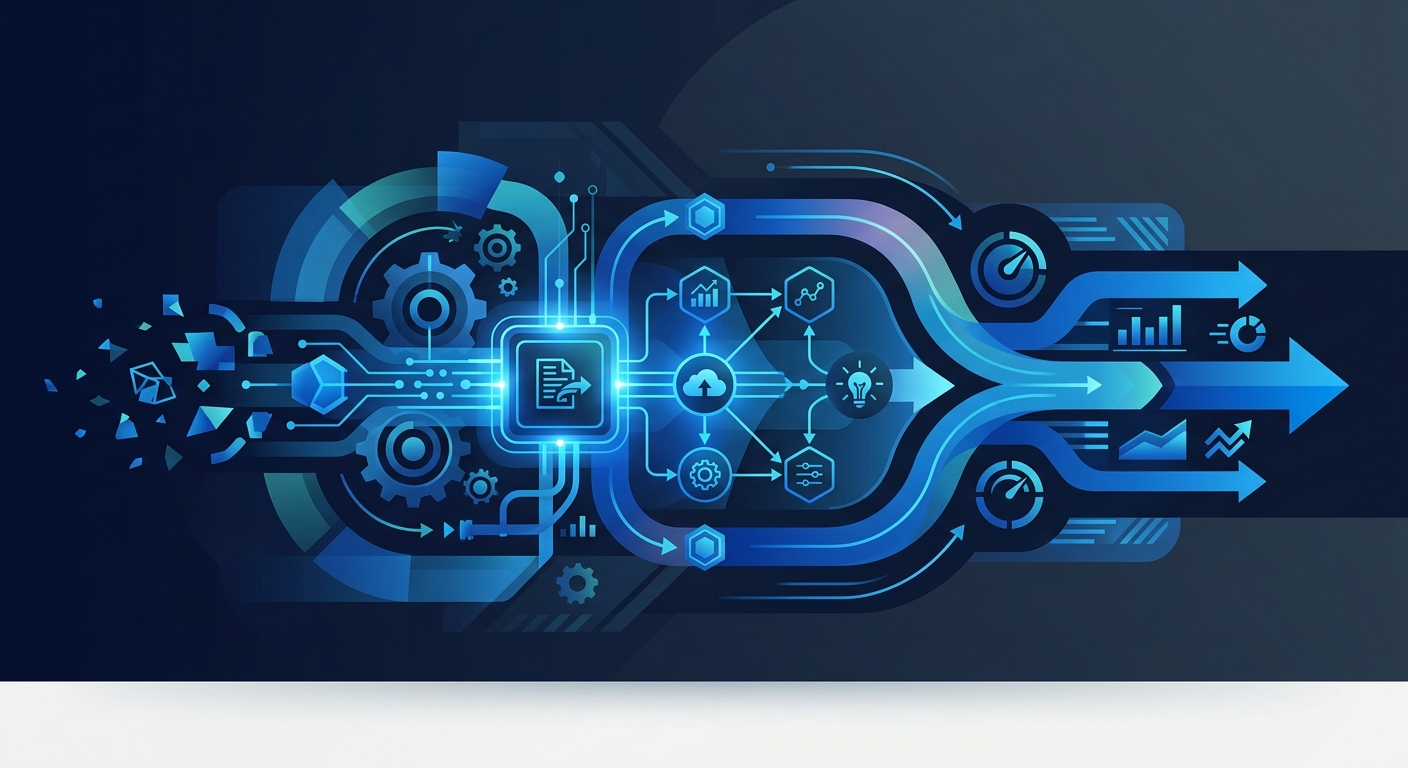
Defining IT Process Automation (ITPA) in the Modern Enterprise
IT process automation (ITPA) is the use of software technology to perform repetitive tasks and complex workflows without human intervention. While general automation might focus on a single task, ITPA aims to orchestrate entire sequences of activities across separate systems to ensure consistency, speed, and security. In the current landscape, ITPA has evolved from simple script-based execution into sophisticated suites that incorporate complex event processing and rule-based decision making.
At its core, process automation is the systematic replacement of manual, error-prone human activities with digital workflows that follow predefined logic. According to the NIST Glossary, the primary value of automation lies in reducing human intervention to enhance security and consistency across technical environments. This is particularly critical as organizations move toward the Agentic Enterprise, where autonomous systems manage increasingly large portions of the operational burden.
How Does IT Process Automation Work?
IT process automation functions through a combination of triggers, workflows, and integration layers. It typically relies on "if-then" logic or machine learning to handle decision-making nodes within a workflow. When a specific event occurs (the trigger), the automation engine executes a series of steps (the workflow) to achieve a desired outcome.
Modern ITPA platforms, such as Red Hat Process Automation Manager, support the modeling, automation, monitoring, and optimization of business processes. These systems use standardized notations like BPMN (Business Process Model and Notation) to map out how data moves between systems.
Key Insight: According to research from MIT Sloan, 60% of occupations have at least 30% of constituent activities that could be automated, highlighting the significant untapped potential for ITPA in the global workforce. MIT Sloan
The Core Types of Tasks Automated with ITPA Tools
IT departments often find themselves bogged down by high-volume, low-complexity tasks. ITPA tools are designed to relieve this pressure by handling several categories of work:
- Infrastructure Provisioning: Automatically spinning up virtual machines or cloud resources based on developer requests.
- Incident Management: Redirecting tickets, performing initial diagnostics, and notifying stakeholders during outages.
- User Lifecycle Management: Automating the onboarding and offboarding of employees, including access to Computer and Mathematical Occupations software suites.
- Compliance and Auditing: Ensuring that every change in the system is logged and meets regulatory standards.
- Data Backup and Disaster Recovery: Scheduling and verifying backups across global data centers.
By automating these tasks, teams can shift from reactive firefighting to proactive innovation, focusing on higher-value projects like Enterprise AI Agent Orchestration.
The Strategic Benefits of IT Process Automation
The advantages of process automation extend far beyond simple time savings. For the modern enterprise, ITPA serves as a force multiplier that impacts the entire bottom line.
- Reduced Operational Costs: By minimizing manual labor, organizations can scale their operations without a linear increase in headcount.
- Minimized Human Error: Automated workflows perform the same task exactly the same way every time, eliminating the fatigue-related mistakes common in manual data entry or system configuration.
- Increased Compliance: Automation creates a digital paper trail. Every action is recorded, making it easier to maintain AI Agent Audit Trails and satisfy regulatory requirements.
- Strategic Alignment: ITPA allows IT leaders to align technical operations with corporate objectives, ensuring that resources are always directed toward the most impactful business goals.
| Benefit Category | Impact Metric | Primary Value Driver |
|---|---|---|
| Operational | 30-50% reduction in cycle time | Speed of delivery |
| Financial | Lower Cost per Transaction | Scalability |
| Risk | 99.9% reduction in manual errors | Security & Compliance |
| Human Capital | Higher Employee Retention | Focus on creative work |
Why IT Process Automation is Challenging for Enterprises
Despite the clear benefits, deploying ITPA is not without its hurdles. One of the most significant challenges is the presence of legacy systems. Many enterprises rely on older, on-premise infrastructure that lacks modern APIs. Integrating these systems often requires "middleware" or "wrappers" to bridge the gap. According to Exalate, when modern APIs are unavailable, integration can be achieved through database access, ODBC drivers, or even utilizing "hidden" methods such as CSV exports and report schedulers.
Another challenge is the technical prerequisite of "CMDB Maturity." Before an ITPA platform can effectively automate changes, it needs an accurate, real-time map of the IT environment (the Configuration Management Database). Without this, automation can actually accelerate the spread of errors across the network.
Automate the Work Holding Your IT Team Back
To successfully implement ITPA, leaders must identify the specific bottlenecks preventing their teams from performing. This often involves moving from fragmented tools to a unified platform. In fact, Gartner reports that 94% of business professionals prefer a unified platform for process automation over fragmented tools.
A unified approach allows for Smart Business Process Automation, where different automation types (RPA, BPA, AI) work in concert. For example, while Robotic Process Automation might handle the task of copying data between spreadsheets, ITPA orchestrates the entire server-side process that generates that data in the first place.
Measuring Success: Industry-Standard ITPA KPIs
Beyond simple ROI, enterprises must track detailed KPIs to measure the true health of their automation initiatives.
Key Insight: The focus has shifted toward orchestration: managing multiple automated streams across separate systems (IEEE).
Key metrics include:
- Benefits Realization: Tracking whether the planned strategic benefits (e.g., faster market entry) were actually achieved.
- Risk Response Time: Measuring how quickly automated systems identify and mitigate security threats compared to manual interventions.
- Resource Utilization: Analyzing how much human capital has been freed up for innovation-focused tasks following the deployment of AI Agent Solutions.
An Example of Process Automation in Action
Consider an enterprise-level "Change Request" process. In a manual environment, a developer submits a request, an admin reviews it, manually checks for resource availability, creates the environment, and then emails the developer.
In an automated ITPA environment:
- The developer submits a request via a portal.
- The ITPA engine checks the CMDB for resource availability and verifies the request against business rules.
- If approved, the engine automatically provisions the resources via Predictive Maintenance protocols to ensure the hardware is healthy.
- The system logs the change for compliance and notifies the developer—all in seconds rather than days.
Frequently Asked Questions
What is the difference between RPA and ITPA?
RPA (Robotic Process Automation) typically focuses on automating repetitive UI-based tasks on a user's desktop. ITPA (IT Process Automation) focuses on orchestrating complex, system-level workflows across the entire IT infrastructure and backend services.
Can ITPA work with legacy systems?
Yes. While modern APIs are preferred, ITPA tools can integrate with legacy systems using middleware, database triggers, or data export methods like CSV and ODBC drivers to bridge the gap between old and new technology.
What are the first steps to starting ITPA?
Begin with a process audit to identify high-volume, low-exception tasks. Ensure your CMDB (Configuration Management Database) is accurate, as automation requires a reliable map of your infrastructure to function safely.
Is ITPA the same as AI?
No, but they are related. ITPA traditionally uses rule-based logic ("if-then"). However, modern ITPA is increasingly incorporating AI and machine learning to handle complex decision-making and predictive analytics.
How does ITPA improve security?
ITPA improves security by removing human error from configuration tasks and ensuring that all changes follow a strict, auditable process. It also enables faster response to security incidents through automated isolation protocols.
Does ITPA replace IT jobs?
While ITPA automates specific tasks, it generally shifts the role of IT professionals from manual execution to strategic management and system architecture. It allows teams to handle larger workloads without proportionally increasing staff.