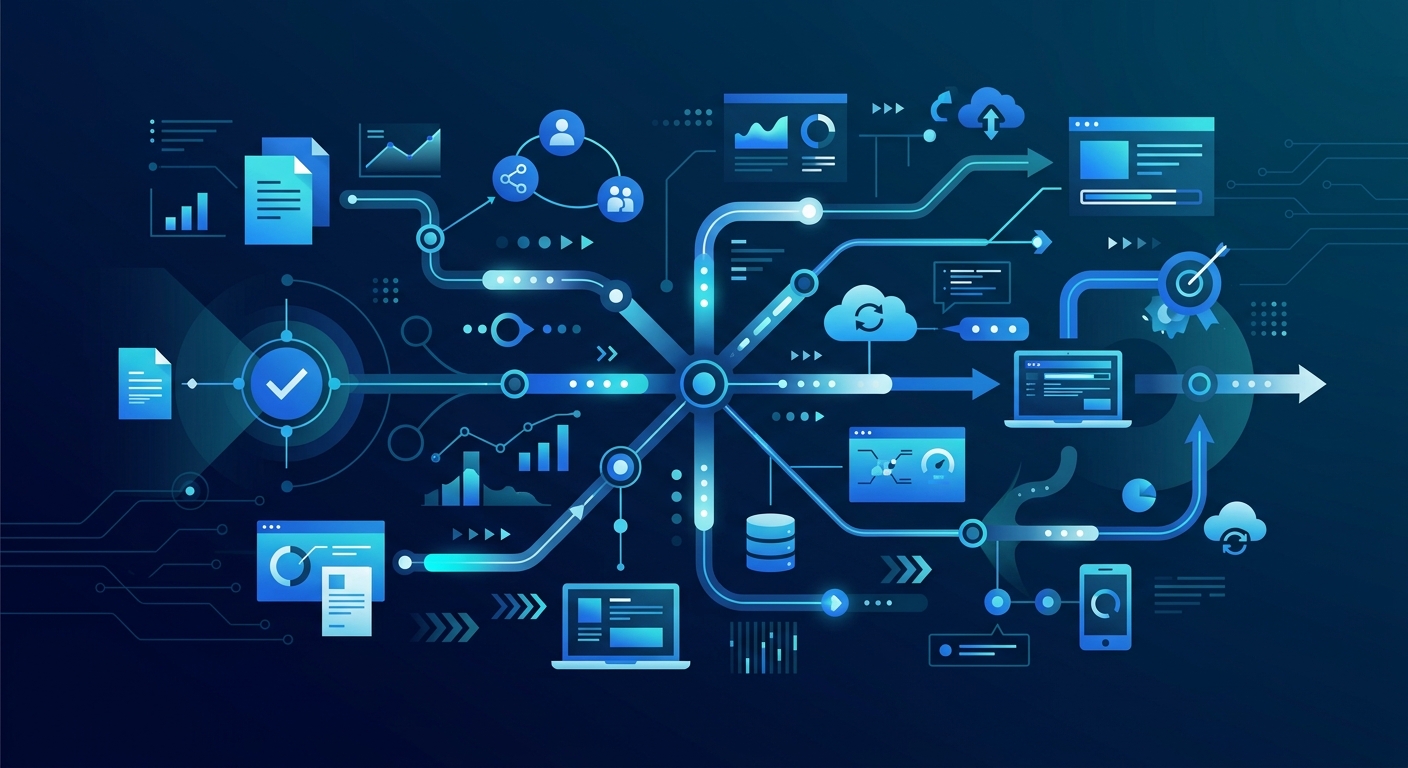
Digital workflows are the backbone of the modern, agile enterprise. As organizations move away from fragmented, manual processes, the adoption of integrated digital systems has become a critical differentiator for market leaders. By transforming static tasks into dynamic, automated sequences, businesses can unlock unprecedented levels of efficiency and data visibility.
Key Takeaways
- Definition: A digital workflow is the automated sequence of tasks, information, and documents that move through a business process according to specific rules.
- Strategic Priority: 87% of senior business leaders identify digitalization as a top priority for their organizational strategy MIT Sloan.
- Core Benefit: Digital workflows break down organizational silos by fostering cross-functional collaboration and real-time data sharing.
- Success Factor: Effective implementation requires clear KPI alignment and proactive employee upskilling to manage new automated responsibilities.
What is a Digital Workflow?
A digital workflow is a sequence of tasks processed electronically to complete a specific business objective. Unlike traditional manual workflows, which rely on paper, physical handoffs, or disconnected emails, a digital workflow uses software to route data and tasks through a predefined path.
At its core, a digital workflow replaces human intervention in administrative routing. For example, in a manual expense reporting process, an employee might email a PDF to a manager, who then forwards it to accounting. In a digital workflow, the submission of the expense automatically triggers a notification to the manager; upon approval, the data is instantly synced with the company's ERP system without further manual entry.
According to NIST, interoperability between software tools is the primary technical barrier to achieving seamless digital workflow automation. Without systems that can "talk" to one another, the workflow remains fragmented, leading to data leakage and process delays.
Why Implement a Digital Workflow?
The move toward digital workflows is driven by the need for speed, accuracy, and scalability. In a globalized economy, manual processes are often the biggest bottleneck to growth.
- Elimination of Human Error: Manual data entry has an inherent error rate that can jeopardize financial reporting and compliance. Digital workflows automate data transfer, ensuring that information remains consistent across all platforms.
- Increased Transparency: Managers can see exactly where a project stands in real time. This visibility allows for the identification of bottlenecks before they become critical failures.
- Cost Reduction: By reducing the time employees spend on low-value administrative tasks, organizations can reallocate human capital toward strategic initiatives that drive revenue.
Key Insight: Digital workflows are not merely technological upgrades but fundamental shifts in cultural and operational practice that require cross-unit leadership to succeed.
6 Benefits of Digital Workflow Automation
The transition to automated digital workflows offers measurable advantages across the entire enterprise:
- Reduced Turnaround Time: Automated routing ensures that tasks move to the next stage the moment the previous one is completed, eliminating "dead time" between steps.
- Enhanced Compliance: Digital workflows create an immutable audit trail. Every action, approval, and modification is logged, which is vital for industries subject to strict regulatory change tracking.
- Scalability: Automated processes can handle a 10x increase in volume without a 10x increase in headcount.
- Employee Satisfaction: Removing repetitive manual tasks reduces burnout and allows staff to engage in more meaningful work.
- Data-Driven Decision Making: Workflows capture data at every stage, providing a rich dataset for predictive maintenance and process optimization.
- Improved Customer Experience: Faster internal workflows translate to quicker response times and better service delivery for the end client.
How to Create a Digital Workflow Step by Step
Building a high-impact digital workflow requires a structured approach to ensure the technology aligns with business goals.
Step 1: Identify and Map the Current Process
Before digitizing, you must understand the manual state. Document every step, stakeholder, and piece of data involved. Identify where delays currently occur and who the primary owners are.
Step 2: Define Clear Objectives and KPIs
What does success look like? Are you trying to reduce time-to-hire by 20% or decrease invoice processing costs? MIT Sloan emphasizes that everyone must agree on key performance indicators (KPIs) before the build begins.
Step 3: Select the Right Tools
Choose a platform that offers the necessary integrations. Whether you are looking at Smart Business Process Automation or specific Intelligent Automation Platforms, ensure the tool supports your technical requirements and security standards.
Step 4: Design and Build the Workflow
Use a flowchart or a low-code workflow builder to create the logic. Include conditional branching (e.g., "If the expense is over $5,000, route to the CFO; otherwise, route to the Department Head").
Step 5: Test and Iterate
Run the workflow in a sandbox environment with real-world scenarios. Gather feedback from the users who will interact with it daily to identify any friction points.
Examples of High-Impact Digital Workflows
Different departments use digital workflows to solve specific operational challenges.
Recruitment and Employee Onboarding
In HR, a digital workflow can manage the entire lifecycle from job posting to the first day of work. When a candidate signs an offer letter, the system can automatically trigger background checks, create IT accounts, and send a welcome kit. This ensures a consistent experience and reduces the administrative burden on HR teams.
Centralized Purchasing and Procurement
Digital workflows can centralize the purchasing process by connecting requisition forms to budget approvals and vendor management systems. This prevents "maverick spending" and ensures that all purchases are made through approved channels at negotiated rates.
Marketing Asset Approval
For large-scale marketing teams, managing the creation and approval of 3,000 marketing assets per month is impossible without automation. A digital workflow can route creative briefs to designers, manage version control, and automate the final sign-off from legal and brand departments.
Which Tool to Choose for Creating a Digital Workflow?
Selecting the right software depends on your organization's technical maturity and specific needs.
- Low-Code/No-Code Platforms: Ideal for departmental managers who need to build workflows quickly without deep technical knowledge. These often include drag-and-drop interfaces.
- Enterprise Resource Planning (ERP) Systems: Many ERPs have built-in workflow engines that are highly secure but may be less flexible than standalone tools.
- Specialized Automation Tools: For complex integrations, platforms focusing on Robotic Process Automation (RPA) or AI Agent Orchestration are often the best choice.
When evaluating a tool, prioritize its ability to connect with your existing tech stack. As noted by Harvard Business Review, the "new rules" of transformation involve moving away from siloed applications toward an integrated ecosystem.
Overcoming Implementation Friction: Managing the Human Element
The greatest challenge to digital workflow adoption is often not the software, but the people. "Automation anxiety"—the fear that technology will replace human roles—can lead to resistance.
To address this, managers must focus on:
- Clear Communication: Explain that automation is designed to augment human capabilities, not replace them.
- Upskilling: Provide training that allows employees to move into higher-value roles, such as workflow oversight or data analysis.
- Cross-Functional Leadership: Ensure that digital initiatives are co-led by representatives from different units to break down silos MIT Sloan.
Key Insight: Organizations that successfully integrate digital workflows often see a shift in job descriptions from "task execution" to "process management," requiring a higher level of digital literacy across the workforce.
Measuring Workflow Decay and Re-Optimization
A common gap in many digital strategies is failing to account for the "decay rate" of a workflow. Over time, business needs change, software is updated, and once-efficient processes become obsolete.
While there is no universal formula for a "decay rate," organizations should monitor:
- Turnaround Time Drift: Is the process taking longer than it did six months ago?
- Exception Rates: Are more tasks falling out of the automated path and requiring manual intervention? High exception rates in areas like invoice handling are a clear sign that the workflow needs re-optimization.
- User Feedback: Are employees finding workarounds to the digital system? Workarounds indicate that the workflow no longer serves the user's needs.
Technical Protocols for Data Integrity
When syncing workflows between legacy on-premise systems and modern SaaS tools, data integrity is paramount. Organizations must implement robust protocols to prevent data corruption or loss.
Key technical strategies include:
- Change Data Capture (CDC): Monitoring and capturing changes in the database to ensure the workflow is acting on the most current information.
- Bidirectional Sync: Ensuring that if a record is updated in a SaaS tool, it is simultaneously updated in the legacy system, and vice versa.
- Conflict Resolution Logic: Defining which system is the "source of truth" when two systems have conflicting data points.
Frequently Asked Questions
What is the difference between a process and a workflow?
A process is a high-level sequence of actions aimed at reaching a goal, while a workflow is the specific set of repeatable tasks and tools used to complete that process. A process tells you what to do; a workflow tells you how to do it.
Can digital workflows replace all manual tasks?
No. While many administrative and repetitive tasks can be automated, tasks requiring high-level empathy, complex ethical judgment, or creative problem-solving still require human intervention. Digital workflows are best used to handle routine work so humans can focus on these high-value areas.
How long does it take to implement a digital workflow?
Simple workflows can be deployed in a few days using no-code tools. Complex, enterprise-wide workflows involving legacy system integrations can take several months of planning, development, and testing.
Are digital workflows secure?
Yes, provided they are built with modern security protocols. Digital workflows often improve security by ensuring that sensitive data is only accessible to authorized users and by maintaining a clear log of who accessed what information and when.
How do I know if a process is a good candidate for a digital workflow?
Look for processes that are high-volume, repetitive, rule-based, and prone to human error. If a task involves moving data from one place to another without requiring complex decision-making, it is a prime candidate for automation.
What is the ROI of digital workflow automation?
ROI is typically measured through hours saved, reduced error rates, and increased throughput. Many organizations see a return on investment within 6 to 12 months of implementation, though the long-term value lies in the agility and scalability the system provides ROI & Performance Metrics.