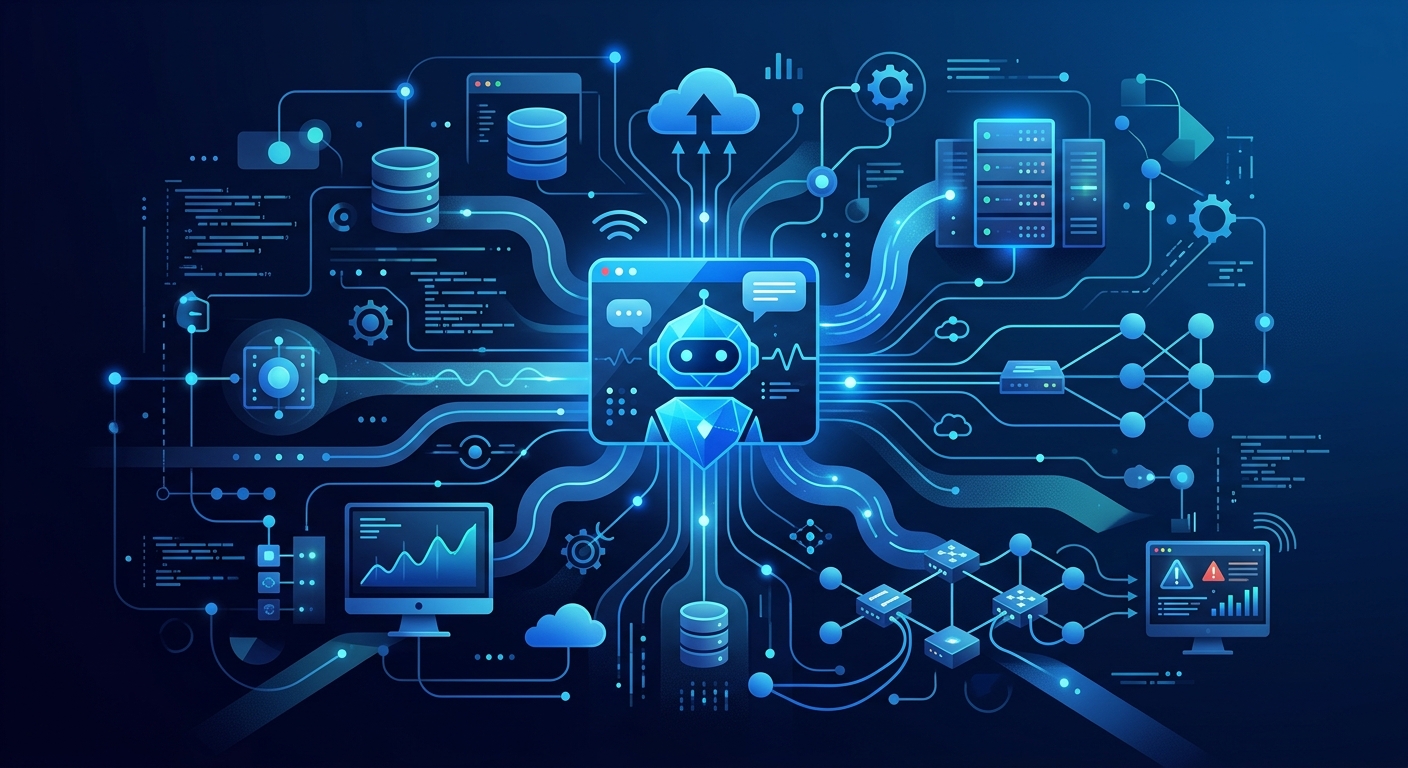
Traditional IT service management (ITSM) frameworks, such as ITIL, have long emphasized structured processes and manual ticket handling. However, these legacy systems often struggle with high volumes of incidents and the inherent complexity of manual categorization, which leads to increased downtime and business disruption AI Enhanced Ticket Management System for optimized Support. To address these challenges, enterprises are increasingly deploying chatbots for IT operations as a primary layer of defense and automation.
Key Takeaways
- Efficiency Gains: AI-enhanced ticket management aims to resolve incidents quickly to minimize business disruption.
- Technical Language: Success depends on Technical Language Processing (TLP) to understand industry-specific jargon.
- Scalability: High ticket volumes frequently exceed manual handling capacity, requiring automated interventions.
- Integration: Effective bots must connect with ITSM, HRIS, and real-time monitoring dashboards.
What is an AI Chatbot for Internal IT and HR Support?
An AI chatbot for internal IT and HR support is an intelligent software interface designed to automate the resolution of employee inquiries and technical incidents. Unlike basic rule-based bots that rely on rigid 'if-then' logic, these advanced systems use Natural Language Processing (NLP) and machine learning to understand intent and context.
In the context of IT operations, these agents serve as the first point of contact for employees facing hardware issues, software access requests, or network connectivity problems. They are built to interface directly with existing Enterprise AI Agent Orchestration Terms & Implementation Patterns, allowing them to execute tasks like password resets or software provisioning without human intervention.
Why Internal IT and HR Support Needs More Than a Ticketing Portal
For decades, the standard for employee support has been the static ticketing portal. While functional for record-keeping, these portals are often perceived as "black holes" by employees. A traditional portal requires an employee to fill out a form, wait for a technician to triage the ticket, and then wait again for a resolution.
Traditional ITSM systems emphasize structured processes but often fail under high volume AI Enhanced Ticket Management System for optimized Support. Chatbots for IT operations transform this experience from a passive wait into an active conversation. By providing immediate responses, bots reduce the cognitive load on IT staff and eliminate the friction of manual entry for the end user.
Key Insight: Traditional IT service management (ITSM) frameworks like ITIL struggle with the scale of modern technical ticket volume because they rely on manual human triage for every incoming request.
What are the Primary Types of Chatbots?
When evaluating chatbots for IT operations, it is essential to distinguish between the three primary architectures currently used in enterprise environments:
- Scripted/Rule-Based Bots: These follow a predefined decision tree. They are excellent for simple, repetitive tasks like "Where is the HR policy?" but fail when faced with nuanced technical jargon.
- NLP-Driven AI Bots: These use machine learning to understand intent. They can handle variations in how a user asks a question, making them far more effective for diverse IT requests.
- TLP-Enhanced Agents: Technical Language Processing (TLP) is distinct from standard NLP because it focuses on capturing and translating industry-specific jargon Teaching Computers to Read 'Industry Lingo'. This is the gold standard for IT operations, as it allows the bot to understand terms like "SSO latency" or "VPN tunnel timeout."
Where AI Chatbots Create the Most Value in Internal Support
The most significant value of an internal AI chatbot lies in its ability to handle "Tier 0" and "Tier 1" support. By automating the most frequent and least complex tasks, IT teams can focus on high-level strategic projects such as Predictive Maintenance: AI & IoT Enterprise Guide.
| Use Case | Impact Level | Automation Potential |
|---|---|---|
| Password Resets | High | 95-100% |
| Software Access Requests | Medium | 80% |
| Hardware Troubleshooting | High | 40% (Diagnostic Only) |
| Policy Inquiries | Low | 90% |
By integrating with real-time IoT-based monitoring systems, chatbots can also serve as emergency response interfaces, delivering push notifications via FCM or SMS during critical outages Developing real-time IoT-based public safety alert and emergency response systems.
AI Chatbot vs. Internal Helpdesk Portal: What is the Difference?
The difference between a chatbot and a helpdesk portal is the difference between pull and push interaction models. A helpdesk portal is a pull system—the user must seek out the portal, navigate its categories, and submit data.
Conversely, a chatbot for IT operations is a push-and-pull system that exists where the user already works (e.g., Slack, Microsoft Teams). This integration allows for "zero-touch" resolution. For example, if a monitoring system detects a server failure, the bot can proactively alert the on-call engineer and offer a list of suggested remediation steps based on previous incident logs. This is a core component of Enterprise Guide To AI Agents For Automated Incident Resolution.
The Top 10 Ways to Use Internal Chatbots for Employee Support
- Automated Account Unlocks: Direct integration with Active Directory to verify identity and unlock accounts.
- Knowledge Base Search: Using TLP to find specific technical documentation across large document libraries.
- Ticket Status Updates: Providing real-time updates without the user needing to log into an ITSM tool.
- Hardware Provisioning: Guiding employees through the selection of new equipment based on their role and budget.
- Wi-Fi and VPN Troubleshooting: Step-by-step diagnostic flows for remote workers.
- HR Policy Retrieval: Instant answers to questions about PTO, benefits, or parental leave.
- Onboarding Automation: Coordinating the delivery of credentials and equipment for new hires.
- Meeting Room Issues: Reporting and diagnosing AV problems in physical office spaces.
- Security Incident Reporting: A streamlined way for employees to report suspicious emails or lost devices.
- Emergency Notifications: Using integrated alert systems to manage responses during facility emergencies Integrated Public Alert & Warning System.
What Systems Should an Internal Support Chatbot Integrate With?
To be effective, a chatbot cannot operate in isolation. It must be woven into the fabric of the enterprise's digital infrastructure. Key integrations include:
- ITSM Platforms: ServiceNow, Jira Service Management, or BMC Helix for ticket creation and tracking.
- Identity Providers: Okta, Azure AD, or Ping Identity for secure authentication.
- Communication Tools: Slack or Microsoft Teams to ensure the bot is accessible where employees communicate.
- Monitoring Dashboards: Centralized interfaces that map real-time events and time-sorted event logs Developing real-time IoT-based public safety alert and emergency response systems.
How to Keep Internal AI Chatbot Answers Accurate and Secure
Security is the primary concern for any enterprise AI deployment. Maintaining data privacy requires specific technical protocols, such as implementing a Data Loss Prevention (DLP) framework and AI-based data identification.
Organizations must ensure that sensitive data remains within enterprise boundaries and is not used to train public LLM models. This is especially critical when dealing with HRIS data or sensitive IT asset information. Continuous monitoring is required to prevent "hallucinations," where the bot provides incorrect technical advice. For more on this, see our guide on Continuous AI Agent Monitoring Protocols & Best Practices.
How to Choose the Right AI Chatbot for IT Operations
When selecting a solution, decision-makers must evaluate the total cost of ownership (TCO). While custom-built LLM solutions offer high flexibility, they often carry development costs ranging from $35,000 to over $75,000. Off-the-shelf SaaS platforms offer faster deployment but may lack the deep TLP capabilities required for complex IT environments.
Key evaluation criteria should include:
- TLP Capabilities: Can the bot understand your specific industry jargon?
- Security Compliance: Does it meet AI Agent Data Privacy Compliance standards?
- Scalability: Can it handle peak ticket volumes during major outages?
Best Practices to Successfully Roll Out Internal IT and HR Chatbots
- Start Small: Focus on a single high-volume use case, such as password resets, before expanding.
- Human-in-the-Loop: Ensure there is always a clear path to escalate to a human agent. Bots should handle the routine; humans should handle the complex.
- Iterative Training: Use real ticket data to refine the bot's understanding of technical language.
- Promote Adoption: Don't just build it—market it to your employees as the fastest way to get help.
Frequently Asked Questions
Q: How do IT chatbots handle 'edge case' hardware failures? A: Chatbots typically handle hardware failures through diagnostic flows. If a hardware failure requires physical intervention (e.g., a broken screen), the bot will gather the necessary diagnostic data and automatically route the ticket to a local field technician rather than attempting remote software troubleshooting.
Q: What is the difference between NLP and TLP? A: NLP (Natural Language Processing) focuses on general human conversation. TLP (Technical Language Processing) is specialized for industry-specific jargon and technical shorthand, which is essential for understanding IT-specific tickets accurately Teaching Computers to Read 'Industry Lingo'.
Q: Can chatbots help with compliance and security? A: Yes, by automating the reporting of security incidents and providing a standardized interface for Autonomous Regulatory Change Monitoring AI.
Q: Will chatbots replace IT jobs? A: Chatbots are designed to augment IT staff by removing the burden of repetitive Tier 1 tasks. This allows IT professionals to focus on higher-value work, though it does change the nature of certain Computer and Mathematical Occupations.
Q: How do you ensure the bot doesn't leak sensitive HR data? A: Enterprise-grade bots use Privacy-Enhancing Technologies (PET) and strict RBAC (Role-Based Access Control) to ensure that only authorized users can access sensitive information stored in HRIS or ITAM databases.
Start Using Workativ Today
Moving to an AI-driven support model is no longer optional for enterprises looking to scale. By implementing chatbots for IT operations, organizations can reduce MTTR, improve employee satisfaction, and free up their most valuable technical staff for strategic work. Whether you are looking for a CAA enterprise bot or a custom-integrated solution, the path to optimized IT operations begins with intelligent automation.