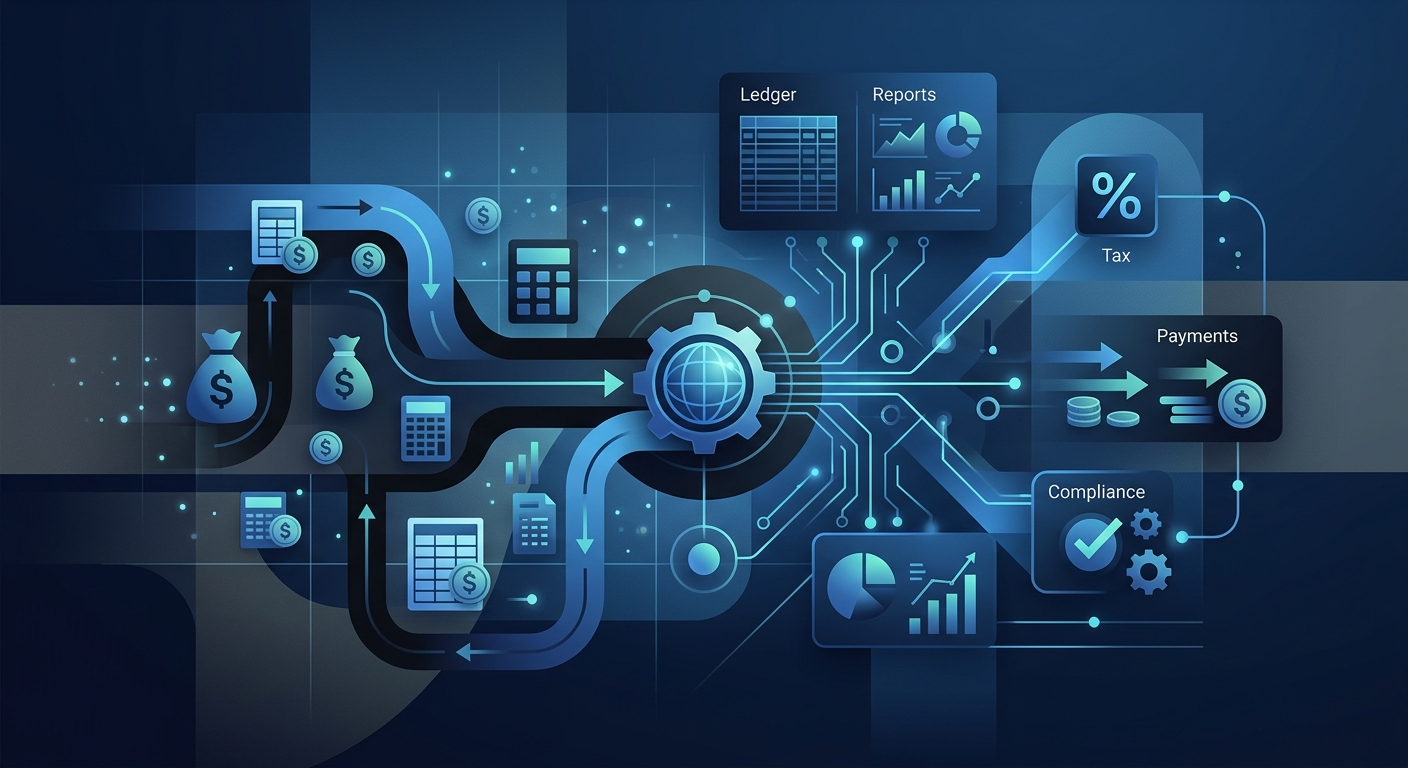
Accounting automation is the use of software and artificial intelligence to perform financial tasks without human intervention. By integrating tools that handle data entry, reconciliation, and reporting, organizations transform their finance departments from reactive back-office functions into proactive strategic assets. In the modern landscape, this transition is no longer optional; it is a prerequisite for scaling in a data-driven economy.
Key Takeaways
- Efficiency Gains: Automation can reduce time spent on manual data entry by 80% to 90% when high-level RPA is implemented in accounts payable.
- Resource Allocation: Finance teams currently spend 53% to 80% of their time on repetitive manual tasks, according to Zuora.
- Strategic Shift: The role of the accountant is moving from transactional processing to data analytics and strategic advisory services.
- Technology Stack: Modern systems combine Robotic Process Automation (RPA) with Machine Learning (ML) to create Intelligent Process Automation (IPA).
The Strategic Mandate to Automate Accounting
Accounting automation is the process of using technology to manage and execute financial transactions and record-keeping with minimal human involvement. For decades, accounting was defined by the manual entry of receipts, the physical filing of invoices, and the tedious balancing of ledgers. Today, Intelligent Process Automation (IPA) combines machine learning with RPA to execute workflows requiring nuanced judgment, such as flagging audit risks or retrieving complex client financial data.
Key Insight: Accounting and finance teams estimate they spend more than half of their time—approximately 53% to 80%—on manual repetitive tasks and routine accounting processes. Numeric.io
For enterprise decision-makers, the mandate to automate accounting is driven by the need for real-time visibility. When you automate accounting, you eliminate the "information lag" that occurs when waiting for month-end closes. Instead of looking at a snapshot of the business that is 15 to 30 days old, leadership can access live dashboards that reflect current cash flow, liabilities, and revenue projections.
Traditional Accounting vs. Accounting Automation
The difference between traditional and automated accounting is not just a matter of speed; it is a fundamental shift in data integrity. In a traditional environment, data is siloed. A purchase order exists in one system, an invoice in another, and the bank confirmation in a third. Human intervention is required to bridge these silos, which introduces the risk of transposition errors and lost documentation.
In an automated environment, data flows through a unified ecosystem. For example, software like Wave Accounting integrates payroll, invoicing, and payment processing into a single platform. This ensures that a single transaction updates the general ledger, the tax liability account, and the cash flow statement simultaneously.
| Feature | Traditional Accounting | Automated Accounting |
|---|---|---|
| Data Entry | Manual keyboard input | OCR and API-direct fetching |
| Reconciliation | Monthly manual matching | Real-time algorithmic matching |
| Error Rate | High (Human error) | Low (Systematic consistency) |
| Audit Trail | Physical paper/spreadsheets | Digital, immutable logs |
| Staff Focus | Transactional processing | Strategic analysis and advisory |
11 Accounting Tasks Your Business Can Automate
To effectively transition, organizations should identify high-volume, low-complexity tasks that consume the most bandwidth. Here are 11 critical areas ready for automation:
- Accounts Payable (AP): Automating the entire lifecycle from invoice receipt to payment execution.
- Accounts Receivable (AR): Generating invoices and sending automated follow-ups for overdue payments.
- Bank Reconciliation: Automatically matching bank statements with internal ledger entries to identify discrepancies instantly.
- Expense Management: Using mobile apps to scan receipts and categorize expenses via AI.
- Payroll Processing: Calculating withholdings, taxes, and direct deposits based on integrated time-tracking data.
- Tax Compliance: Calculating sales tax in real time based on jurisdictional rules and preparing tax filings.
- Financial Reporting: Generating P&L statements, balance sheets, and cash flow reports at the click of a button.
- Audit Preparedness: Creating digital audit trails that track every change made to a financial record.
- Intercompany Eliminations: Automating the removal of transactions between subsidiaries in a consolidated group.
- Fixed Asset Management: Calculating depreciation schedules and tracking asset lifecycles.
- Inventory Management: Syncing sales data with stock levels to automate reorder points.
Implementing these begins with Mastering Bank Reconciliation for Enterprises, which serves as the foundation for cash flow accuracy.
Key Benefits of Accounting Automation
The primary benefit of automating accounting is the reclamation of human capital. When high-level RPA is implemented in accounts payable, organizations see an 80–90% reduction in time spent on manual data entry tasks MDPI.
Beyond time savings, the benefits include:
- Enhanced Compliance: Automated systems can be programmed with the latest regulatory changes. For instance, Autonomous Regulatory Change Monitoring AI can alert teams to new tax laws or reporting standards.
- Scalability: An automated system can handle a 500% increase in transaction volume without a corresponding 500% increase in headcount.
- Fraud Detection: Machine learning models can analyze thousands of transactions to identify patterns indicative of fraud or duplicate payments that a human reviewer would likely miss.
- Improved Employee Morale: By removing the drudgery of data entry, accountants can focus on high-value work, reducing burnout and turnover.
Key Insight: Machine learning combined with RPA now automates complex accounting workflows, including steps that once required nuanced judgment (NKU Online MAcc Program).
8 Steps to Automate Your Accounting Process
Transitioning to an automated model requires a structured approach to ensure data integrity and team buy-in.
- Audit Current Workflows: Document every manual step in your current process, from how an invoice is received to how it is archived.
- Identify Bottlenecks: Look for the tasks that cause the most delays—for example, waiting for manager approval on expenses.
- Define Integration Requirements: Ensure your new accounting automation software can communicate with your CRM, bank, and existing ERP.
- Clean Your Data: Automation scales both good and bad data. Standardize your chart of accounts before migrating.
- Select the Tech Stack: Choose between off-the-shelf solutions like Wave or enterprise-grade AI Agent Solutions.
- Pilot One Function: Start with a single department, such as Accounts Payable, to prove the ROI before a full-scale rollout.
- Train the Team: Educate staff on how to review and audit the automated outputs rather than performing the work themselves.
- Monitor and Optimize: Use Continuous AI Agent Monitoring Protocols to ensure the system remains accurate over time.
Challenges and Compliance in Automated Accounting
While the benefits are significant, the challenges of automated accounting cannot be ignored. The most prominent hurdle is the migration of legacy data. To move data from physical ledgers or software that lacks API compatibility without loss, organizations often use custom connectors or Data Migration Agents (DMA) to validate business logic during the transfer.
Furthermore, the legal and compliance implications of AI-driven tax filings are still evolving. Taxing authorities like the IRS now use machine learning to select audit targets. If an AI system misclassifies transactions due to outdated jurisdictional rules, the organization faces significant risk. This is why human oversight remains critical. The shift is not toward removing the accountant, but toward redefining the role to that of a "systems controller."
Key Insight: The BLS projects 4% employment growth for accountants through 2032, indicating that while automation handles routine tasks, demand for professionals who can interpret the data is increasing. BLS
How to Calculate the Break-Even Point for Automation
Small businesses often struggle to determine when the subscription cost of automation outweighs the cost of a part-time bookkeeper. To calculate this, examine the Fully Burdened Labor Cost (FBLC) of the manual process.
- Manual Cost: (Hours spent per month x Hourly Rate) + (Error Correction Costs) + (Opportunity Cost of delayed data).
- Automation Cost: (Monthly Subscription) + (Implementation Amortization) + (Human Review Time).
If a bookkeeper costs $50/hour and spends 20 hours a month on reconciliation ($1,000/mo), and an automated solution costs $200/mo plus 2 hours of human review ($100/mo), the business saves $700 monthly. The break-even point on implementation costs (e.g., a $2,100 setup fee) would be reached in just three months.
Frequently Asked Questions
What is the difference between RPA and AI in accounting?
Robotic Process Automation (RPA) follows pre-set rules (e.g., "if X, then Y"), while Artificial Intelligence (AI) learns from data patterns and makes probabilistic decisions, such as identifying a potentially fraudulent invoice based on historical behavior.
Will automation replace accountants?
No. While automation replaces repetitive tasks, it increases demand for accountants who can perform data analysis, strategic planning, and complex tax interpretation. The role is evolving from a "doer" to a "reviewer."
How does automation improve audit trails?
Automated systems log every transaction, timestamp, and user interaction in an immutable digital format. This makes it significantly easier for auditors to verify the accuracy of financial statements compared to searching through paper files.
Can small businesses afford accounting automation?
Yes. Cloud-based platforms like Wave offer sophisticated automation features at price points accessible to freelancers and small teams, making technology previously reserved for Fortune 500 companies available to smaller organizations.
Is my financial data safe in an automated cloud system?
Reputable automation providers use bank-level encryption and comply with standards like SOC 2 and GDPR. For more details on enterprise-level security, see our Data Security protocols.
Take the Next Step Toward Accounting Automation
The transition to an automated finance function is a journey, not a single event. It begins with a commitment to data integrity and a willingness to upskill the workforce. By implementing AI Agents for Invoice Exception Handling, businesses can immediately reduce friction and increase accuracy.
As you plan for 2025, the goal is to build an "Agentic Enterprise" where financial data flows seamlessly across the organization, providing the insights needed to navigate an increasingly complex global market.